

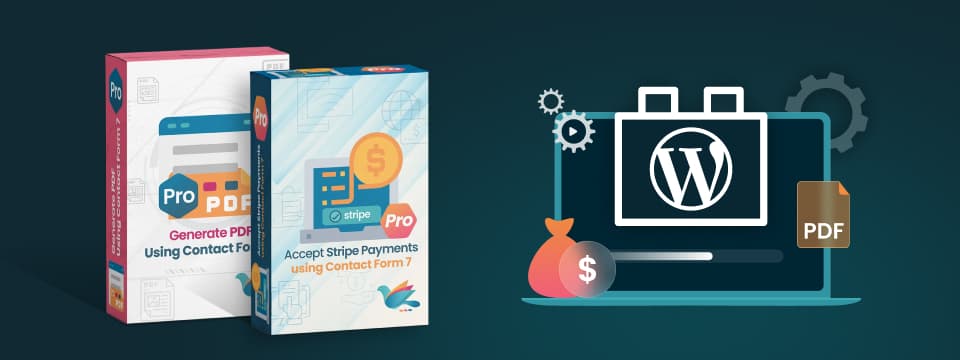
ZealousWeb Rolls Out Google Pay Support and PDF Workflow Analytics for Contact Form 7
Ahmedabad, India – ZealousWeb, a company focused on building practical digital tools for agencies and businesses, has rolled out two updates to its Contact Form 7 plugin ecosystem, aimed at improving how businesses handle transactions and monitor document workflows at scale. The updates introduce Google Pay support within its Stripe integration and a centralized analytics layer for PDF generation — addressing two areas where operational gaps often go unnoticed but impact outcomes significantly
Closing the Gap Between Submission and Completion
For teams handling high volumes of form submissions, the real challenge begins after the form is submitted.
In mobile-driven use cases, users often reach the payment stage but drop off due to slow, input-heavy checkout experiences. Even when intent is clear, friction at this final step prevents transactions from being completed. In document-driven workflows, teams rely on PDFs being generated and delivered without fail. However, without visibility into these processes, failed generations or missed deliveries often go unnoticed, affecting operations and follow-ups.
These are not isolated issues but recurring patterns across day-to-day workflows. ZealousWeb’s latest updates are designed to address this exact stage — where user intent exists, but execution often falls short.
One-Tap Checkout with Google Pay for Stripe
The update to the Accept Stripe Payments Using Contact Form 7 Pro plugin introduces Google Pay as a native payment option. This enables users to complete transactions instantly without manual entry, particularly on mobile devices where speed directly influences completion rates.
Instead of adding complexity, the integration is designed to work directly within the existing WordPress environment, giving teams control without additional dependencies.
Key capabilities include:
- Toggle Google Pay on or off directly from the admin panel
- One-tap mobile checkout without manual card entry
- Side-by-side payment options: traditional card or Google Pay
- Full transaction details accessible securely through the admin interface
- Faster checkout completion to reduce payment-stage drop-offs
“Completion is where most workflows break — not at submission, but at the final step. With Google Pay, we’re removing friction at the point of payment, and with PDF analytics, we’re bringing visibility to what was previously unseen. Together, these updates give teams greater control over execution where it matters most.”
Full PDF Workflow Visibility Through a Centralized Dashboard
For teams managing form-based payments, the final step is often where drop-offs occur — especially on mobile devices, where entering card details can slow users down. With Google Pay now integrated into the Accept Stripe Payments Using Contact Form 7 Pro plugin, users can complete transactions instantly using a one-tap checkout experience, removing the need for manual input.
For businesses, this translates into smoother payment flows, higher completion rates, and fewer abandoned transactions at the most critical stage.
Across common use cases, the update enables teams to:
- Reduce mobile checkout friction by allowing one-tap payments
- Offer flexible payment choices between card entry and Google Pay
- Control payment options directly from the WordPress admin panel
- Access complete transaction data without relying on external systems
- Improve conversion rates by simplifying the final step of the workflow
Built Around How Teams Actually Work
For agencies and businesses running high-volume forms, workflows rarely fail at setup — they break in everyday execution.
In mobile-first environments, users often abandon transactions at the payment stage due to slow or input-heavy checkout experiences. The Google Pay integration addresses this by enabling faster, one-tap payments, helping teams reduce drop-offs and improve completion rates where it matters most.
In parallel, operational teams managing document-heavy workflows often lack visibility into what happens after submission. Without clear data, identifying failed PDF generation, tracking usage, or measuring performance becomes difficult. The PDF analytics dashboard resolves this by providing a centralized view of document activity, enabling teams to monitor, diagnose, and optimize their workflows with confidence. Across these use cases, the focus remains consistent: identify where friction exists in real workflows and address it with practical, measurable improvements.
About ZealousWeb
ZealousWeb is a global digital transformation partner that helps agencies and enterprises build scalable digital operations. The company specializes in web and mobile platforms, eCommerce solutions, automation, and intelligent workflows — connecting data, processes, and technology into systems that work cohesively at scale.
With a cross-disciplinary team of engineers, automation specialists, and digital strategists, ZealousWeb delivers ecosystems that improve operational efficiency, maintain data integrity, and generate measurable business results for the organizations it works with.
For more details, visit https://www.zealousweb.com/